Betfair login
Connect your Betfair Exchange account securely using Vendor Web OAuth.
Open Dashboard → Betfair. Click Connect Betfair to sign in on Betfair’s site and approve access.
Fortis Automation never asks for your Betfair username or password. Only encrypted Betfair-issued tokens are stored after you approve access.
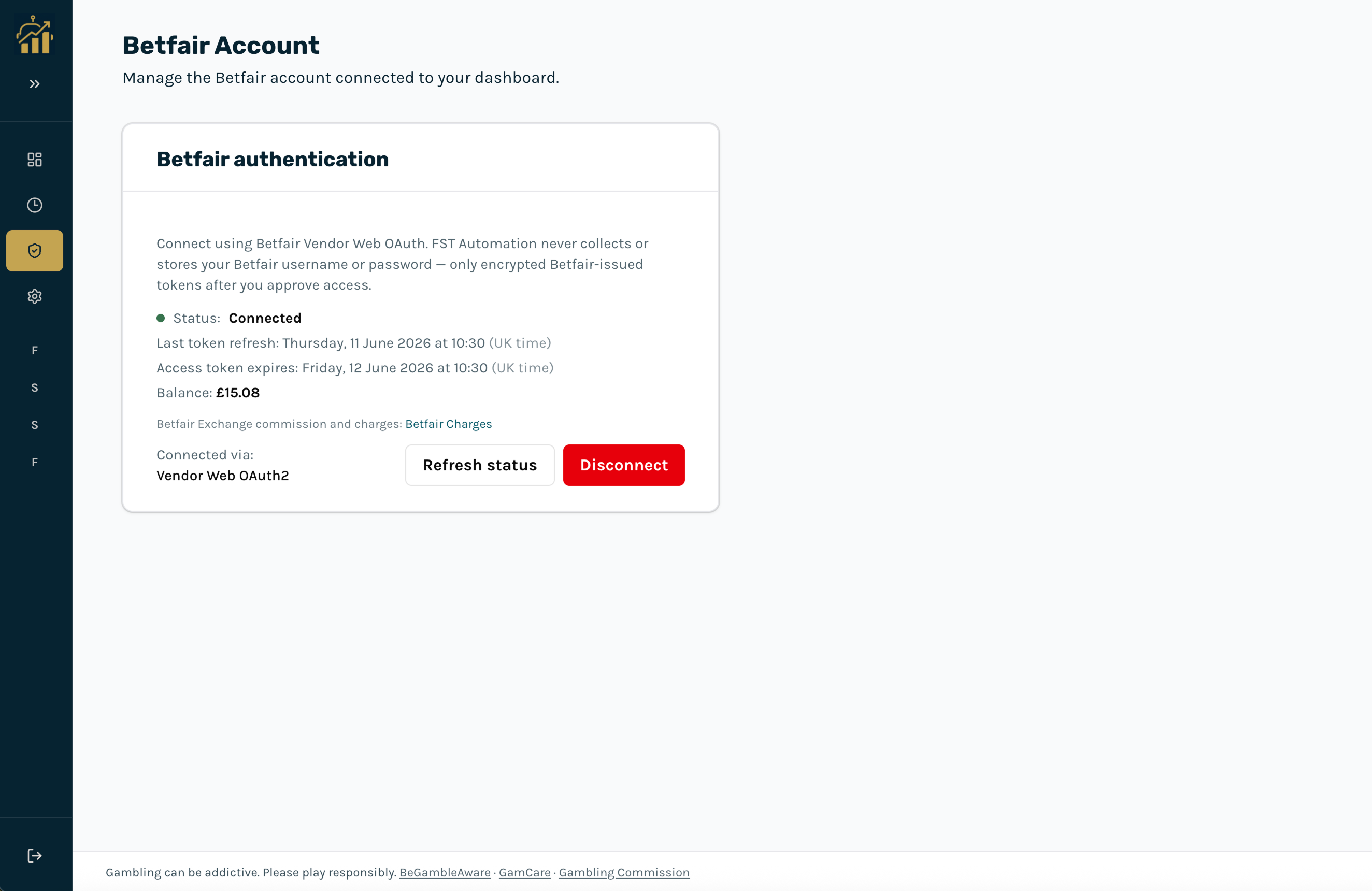
Connection status
- Connected: Token is valid. Balance and funds may be shown when available from the Account API.
- Disconnected: No active Betfair session. Live betting will not run until you connect.
- Disconnect: Ends the Betfair session and revokes tokens. Use this when finished or on a shared device.
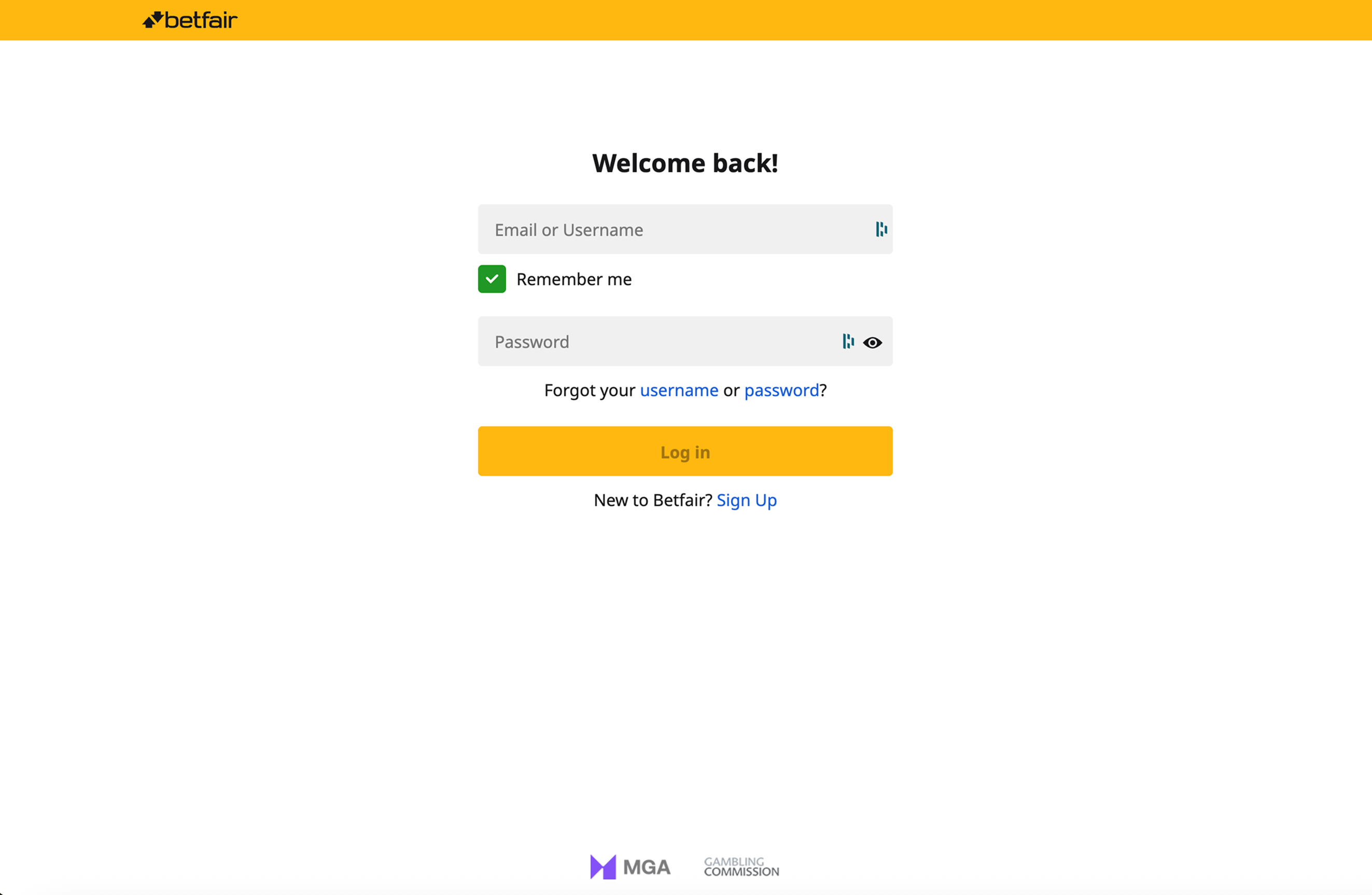
After you approve access on Betfair, you are returned to Fortis Automation and the connection completes automatically.