Dashboard
Your home screen after sign-in : Betfair status, account details, systems, and recent bets.
The dashboard lists your systems (private trigger configurations). Each card shows running/stopped status, cycle P/L, strike rate, and an Open button. Create a new system or open an existing one to enter its workspace.
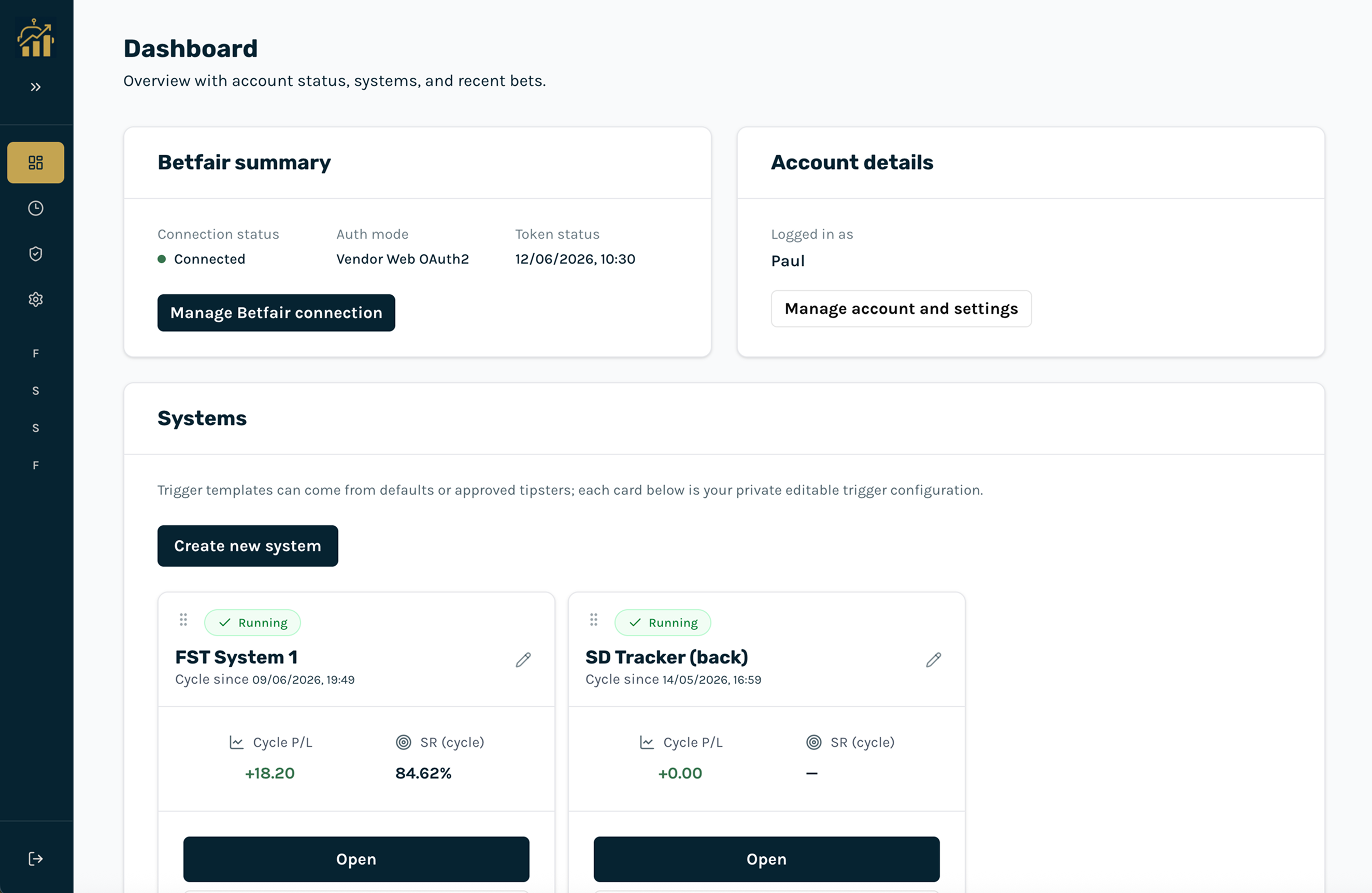
Betfair summary
- Connection status: Shows whether Betfair OAuth is connected.
- Auth mode and token status: Vendor Web OAuth2 and access-token expiry when connected.
- Manage Betfair connection: Link to the Betfair page for connect/disconnect.
Systems
- Create new system: Adds a blank trigger configuration you can name and configure.
- Drag to reorder: Change the order systems appear on the dashboard.
- Rename or hide: Rename a card from the pencil icon. Hide from main list is stored on this device only.
- Open workspace: Click Open on a card to open its tabs (System, Races, etc.).
Recent bets
A sortable preview of recent bets across all systems. For full history with filters and CSV export, use History in the dashboard menu or the History tab inside a system workspace.