System
Core system settings : mode, bank, profits, and activating or stopping betting.
The System tab controls whether this configuration runs in simulation or real money, your starting bank, and the kill switch that starts or stops automated betting.
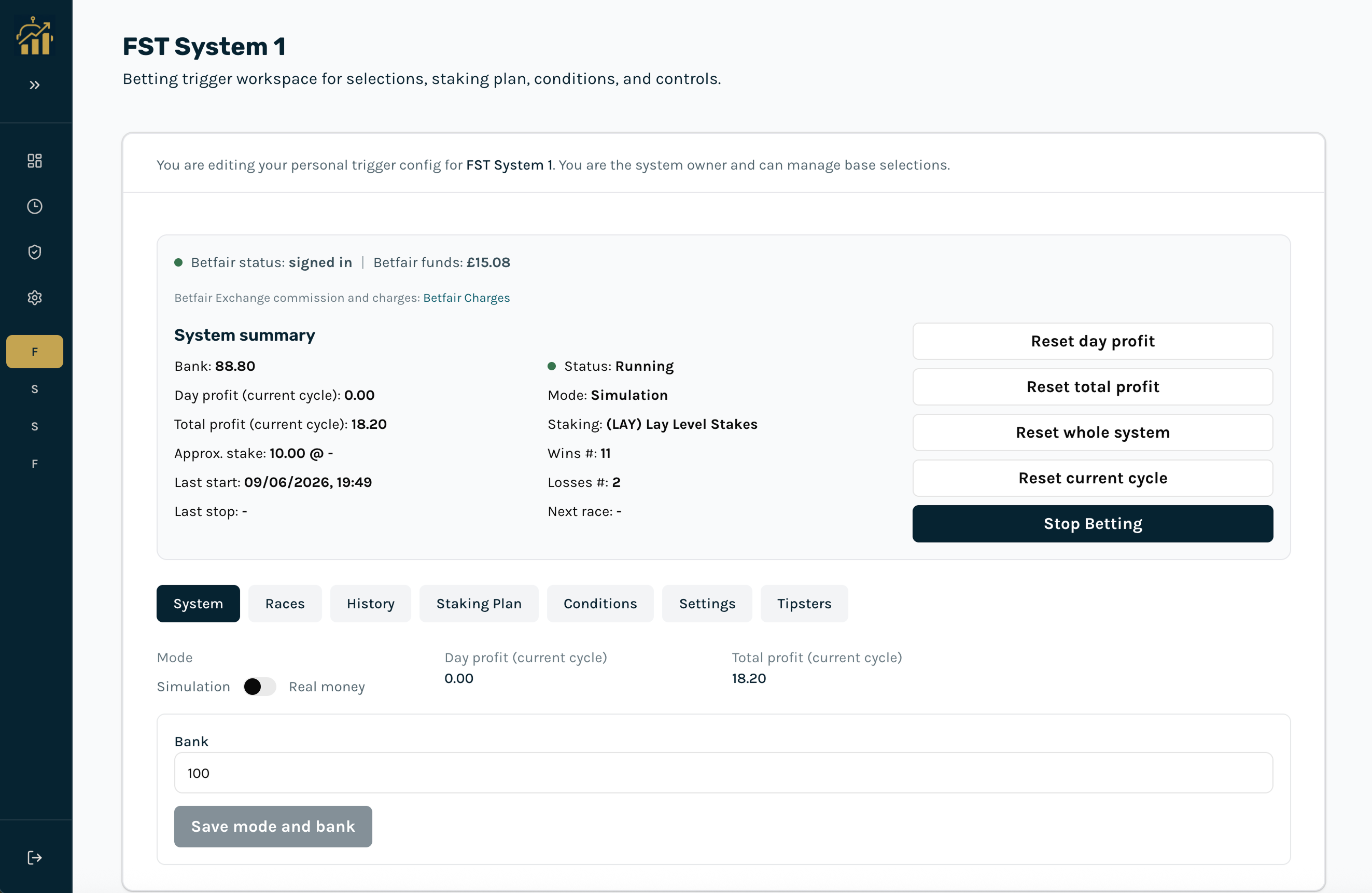
Mode
- Simulation: Paper trading. Bets are recorded internally without placing on Betfair.
- Real money: Live mode. Bets are placed on Betfair.
Bank and profits
- Bank: Starting bank for staking calculations. Save after changing.
- Day / total profit: Shown as day profit and total profit (current cycle) on the System tab and in the workspace summary. Day profit, day wins, and day losses follow the UK calendar day. Cycle wins and losses count from the current cycle. Day figures reset at UK midnight or when you use Reset day profit.
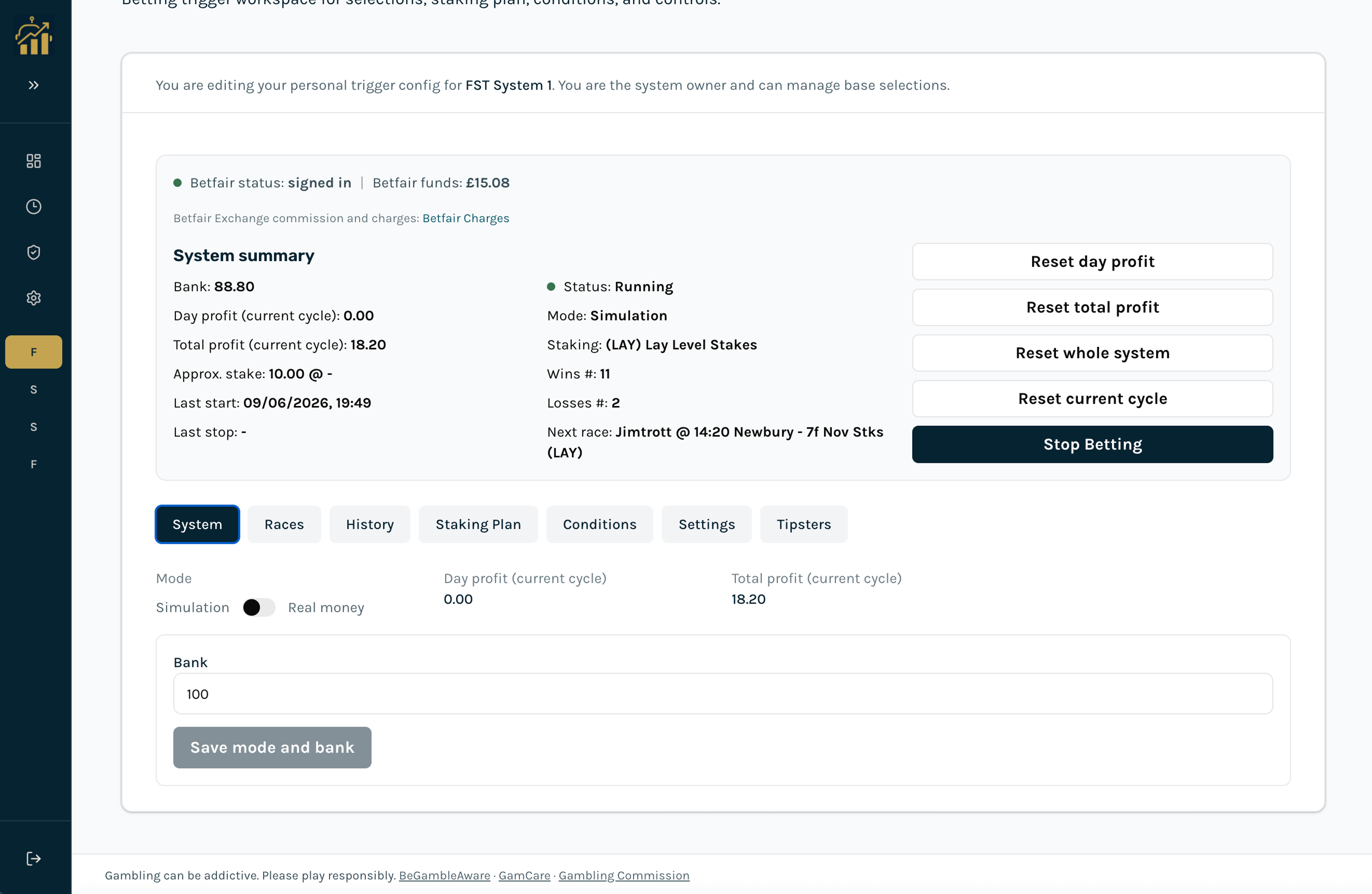
Activate / stop betting
Use Activate Betting / Stop Betting in the workspace summary strip to start or stop the bot for this system. Staking plan and betting time must be saved before activation.
Stopping betting does not disconnect Betfair. Use Betfair → Disconnect to end the Exchange session.