Settings
Betting timing, BSP, stop rules, and copy-trading listing.
Settings control when bets fire relative to the off time, optional BSP placement, and automatic stop rules for the day or cycle.
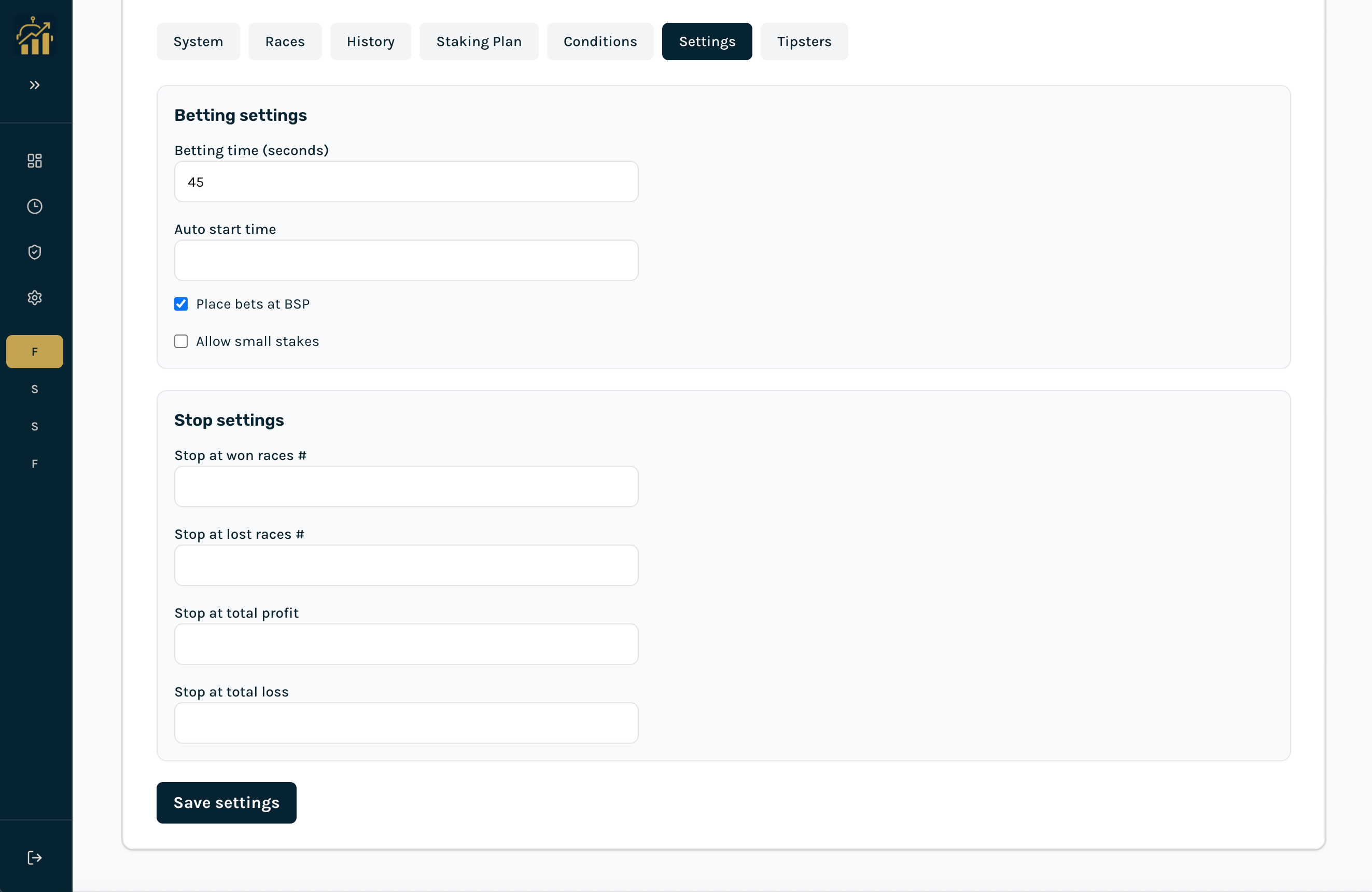
Betting settings
- Betting time (seconds): Seconds before scheduled race start when the bot attempts placement (e.g. 30 = 30s before off). Required before you can activate betting.
- Auto start time: Optional time of day to enable betting automatically.
- Place bets at BSP: Use Betfair Starting Price instead of a fixed limit price.
- Allow small stakes: Permit stakes below Betfair minimum where applicable.
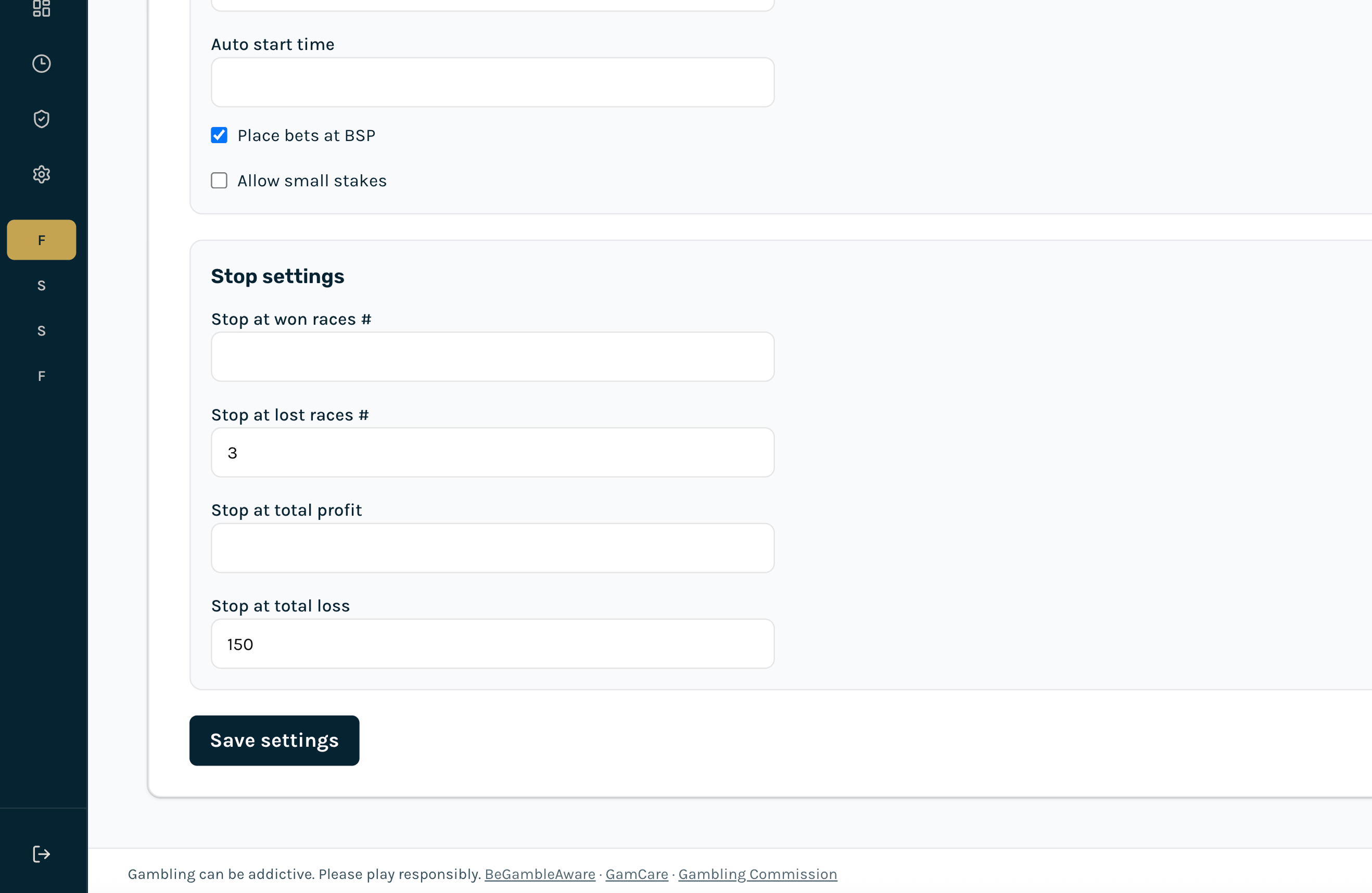
Stop settings
- Stop at won/lost races #: Stop after a number of winning or losing races. By default this counts today's UK results; you can switch to the current cycle.
- Stop at profit / loss: Stop when P&L reaches the profit target or loss limit, using the same day or cycle scope.
- Count stops by: Today (UK day) is the default. Current cycle keeps counting until you reset the cycle. Choosing cycle asks for confirmation because it can stop betting from results on previous days.
- When a stop hits: Stay off until you restart (default), or pause for the rest of today and resume the next UK morning. Auto-resume is only available when stops are counted by day, and asks for confirmation.
Copy trading (tipsters only)
Approved tipster accounts can list a strategy for copy trading so followers can request access on their Tipsters tab.